DELMIA Robot Programmer

Robot Programmer

Program your robots offline — without stopping production.

Simulate, validate, and program entire robotic workcells virtually. Deploy optimized robot programs directly to your controllers — no teach pendant time on the live floor.

2,000+
robot kinematic models supported across all major OEM brands

DELMIA Robot Programmer

DELMIA Robot Programmer lets you develop, simulate, and validate complete robot programs virtually — before a single physical robot move. Model the full workcell, check reachability and collisions, optimize cycle times, then export native programs directly to your controllers. Over 2,000 robot models supported across all major OEM brands.

  • Program offline — production keeps running
  • Reachability, collision detection, and cycle time simulation
  • Native program export to controllers — no translation errors
  • Arc welding, spot welding, handling, assembly, coating
  • Reuse existing programs for cell adjustments
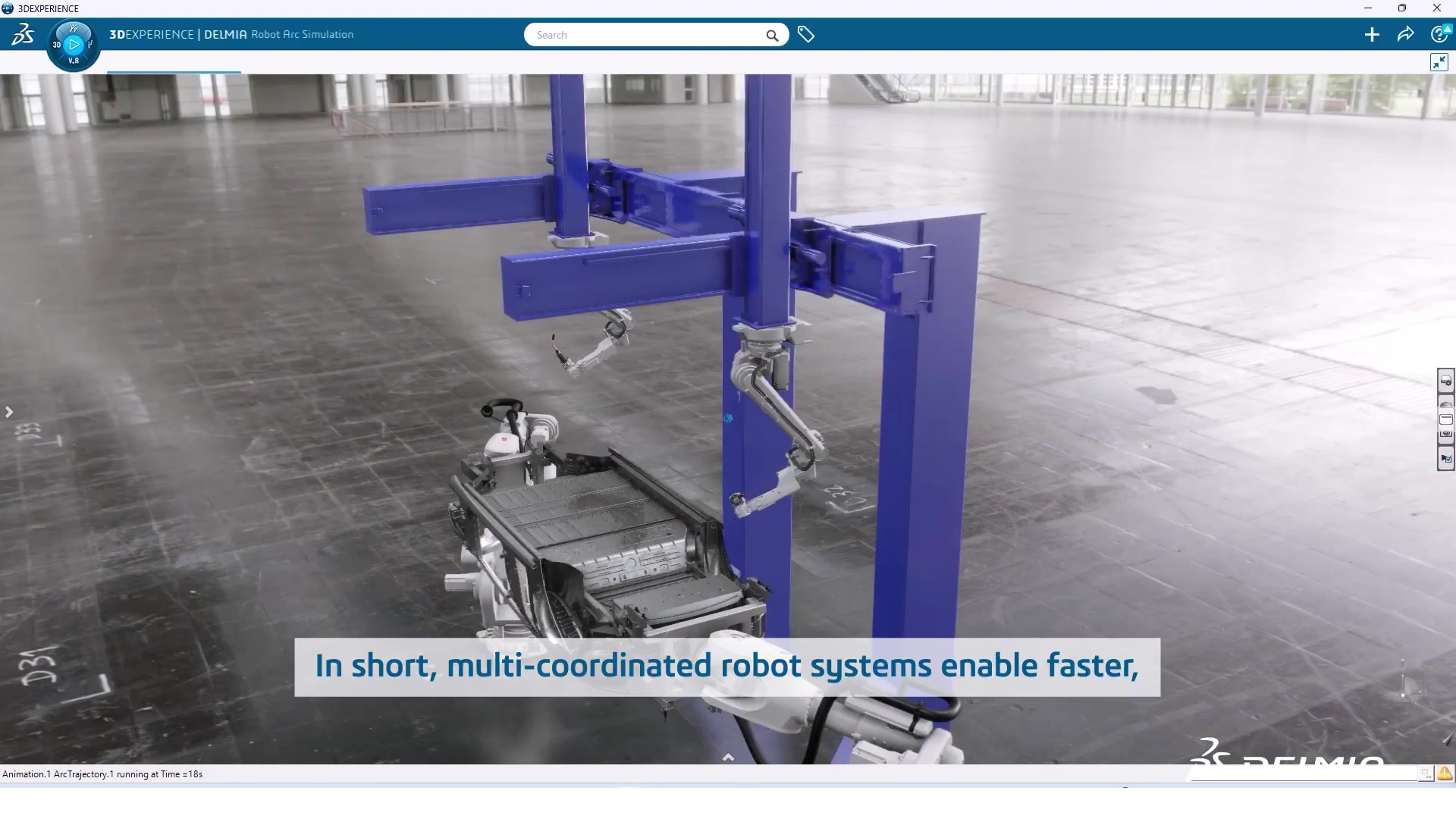
DELMIA arc welding robot simulation in industrial facility
Who uses this: Automation engineers, robot programmers, and manufacturing engineers responsible for deploying and maintaining robotic workcells in arc welding, spot welding, material handling, and assembly operations.

What You Can Do with Robot Programmer

Offline Programming
Program Robots Without Stopping Production

Develop and refine robot programs in simulation while production keeps running. Autoplace finds optimal robot placement automatically.

  • Full offline programming — no teach pendant time on the live production floor
  • Autoplace function determines optimal robot position automatically
  • Modify robotic paths in simulation to optimize movement and ensure collision-free operation
  • Reuse existing production robot programs to accelerate changes to current cells
  • Quickly calculate pallet loading based on package size and weight
DELMIA arc welding robot simulation in industrial facility
Uptime advantage: Teach pendant programming typically takes a robot offline for days per program revision. Offline programming compresses that to hours in simulation, with the physical robot only needed for a brief verification run after deployment.
Workcell Validation
Simulate and Validate Before You Build

Model the full workcell — robot, tooling, fixtures, fencing, conveyors — and validate tooling design before any physical build.

Workcell Configuration Details

  • Program and validate robotic toolpaths directly from any 3D CAD model
  • Visualize and intuitively edit robot programs directly in 3D
  • Validate tooling design with industrial robots in the same environment
  • Simulate all automation accessories within a work cell
  • Material Handling Assistant guides setup through each phase of workcell configuration
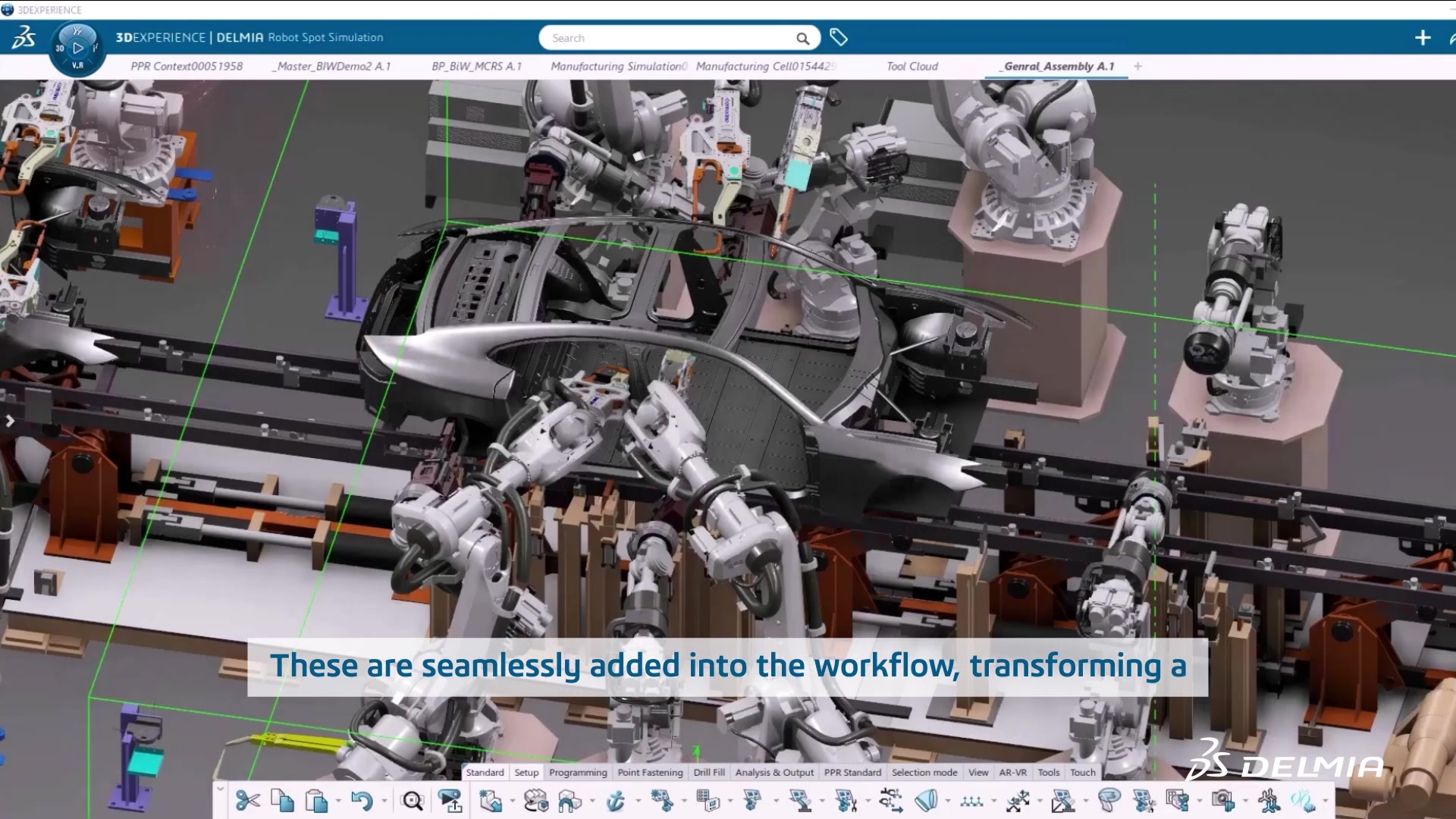
Complex car body assembly cell with multiple robotic arms
For new cell deployment: Catching a reach limitation or collision zone in simulation costs nothing. Catching it after the robot and tooling are installed costs weeks of rework. Full workcell simulation eliminates that class of problem before build begins.
Program Deployment
Native Programs Straight to Controllers

Exports native programs directly to controllers — no translation step. Live link to design means geometry changes update the program automatically.

  • Exports native robot programs directly to controllers — eliminates translation errors
  • Supports multiple robot OEM brands from a single programming environment
  • Maintains a live link to engineering design changes from the 3DEXPERIENCE platform
  • Verify virtual processes before sending to the physical robot and system
  • Manage complex compliance documentation with built-in controls
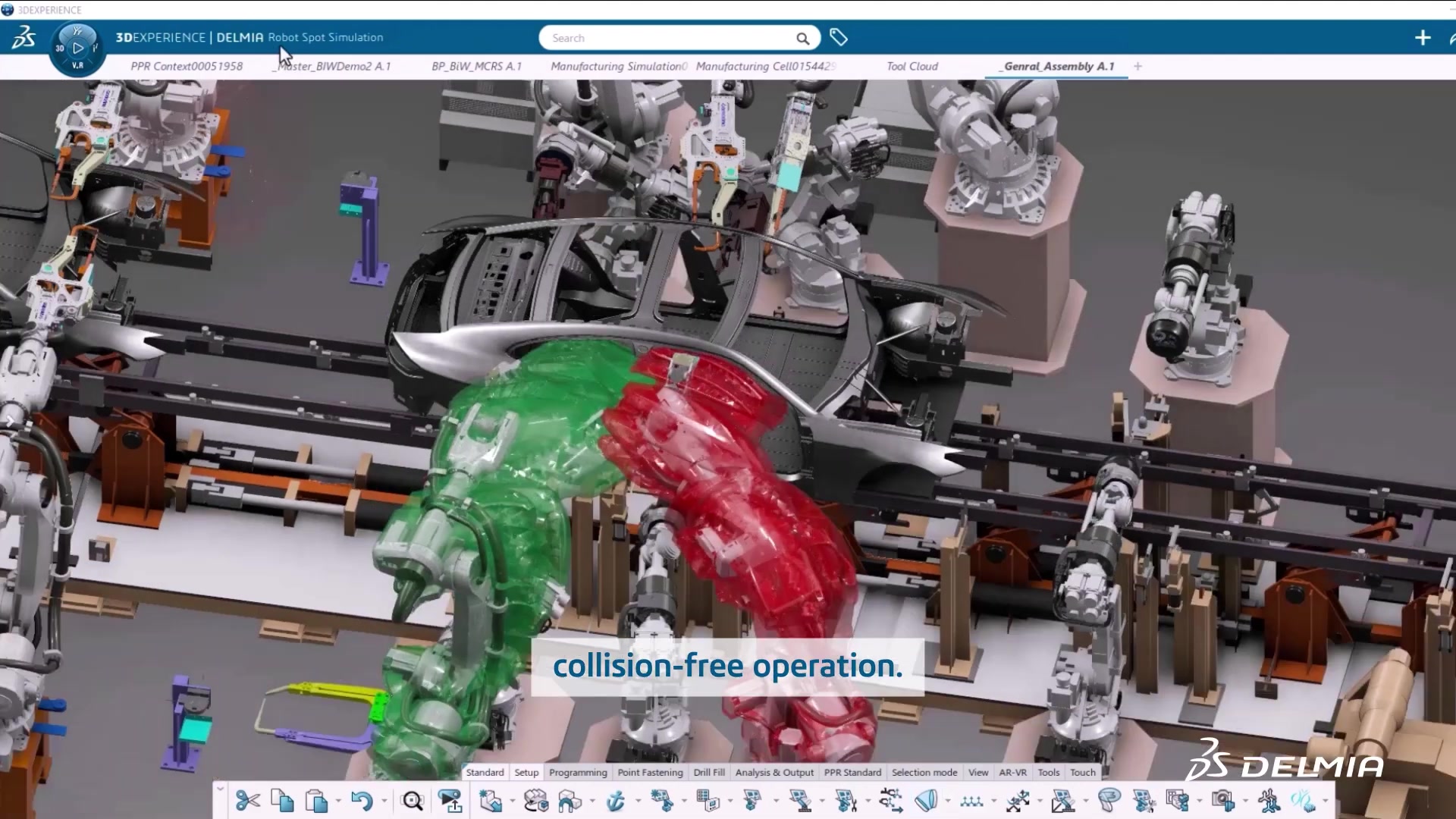
Robot collision envelope showing safe and collision zones
Multi-brand flexibility: If your facility runs robots from multiple manufacturers, Robot Programmer handles them all from one interface. No separate programming tools per brand — one environment, one workflow, one place for your programs.

Configured for Your Specific Robots and Workcells

We build your virtual cell accurately — correct kinematic models, real tooling geometry, accurate fixture positioning — so you start programming on day one, not weeks later.

  • Robot model library setup for your specific OEM brands and models
  • Post-processor and controller output configuration for clean program transfer
  • Integrated engagement available with Factory Simulation Engineer on the same platform

Common Questions About Robot Programmer

Robot Programmer supports over 2,000 robot kinematic models covering all major OEM brands — including FANUC, ABB, KUKA, Yaskawa Motoman, Universal Robots, Kawasaki, and many others. You can program robots from multiple manufacturers within the same environment, with native program export to each controller type. Contact us with your specific robot models and we can confirm library availability.
Teach pendant programming requires the robot to be physically stopped, jogged to each position by a technician, and then verified through trial runs — often taking days to weeks per program, with production halted during the process. Offline programming moves all of that work into a virtual simulation. Your production line keeps running, your engineers can iterate freely on the program, and the physical robot is only needed for a brief verification run after the program is deployed. For manufacturers with multiple robots or frequent product changeovers, the productivity difference is significant.
Yes. Robot Programmer runs on the 3DEXPERIENCE platform from Dassault Systemes — the same platform that SOLIDWORKS connects to. Part geometry and assembly data from SOLIDWORKS can be used directly as the basis for robot programming, with a maintained link so that engineering design changes are reflected in the robot program without rebuilding from scratch. This integration is part of what makes the 3DEXPERIENCE platform a genuine digital thread rather than a collection of disconnected tools.
Yes. Robot Programmer supports both traditional industrial robots and collaborative robots (cobots). If you are adding a cobot to work alongside an operator, you can simulate the shared workspace, validate that the cobot's reach and path are clear of the operator zone, and program the full automation sequence before the cobot arrives on the floor. Universal Robots and other major cobot brands are included in the kinematic library.
Robot Programmer is a named-user role on the 3DEXPERIENCE platform, licensed on an annual subscription basis. Pricing depends on the number of users and whether it is combined with other platform roles such as Factory Simulation Engineer. Contact us for a quote tailored to your team size and configuration. We can also discuss pilot arrangements tied to a specific robot programming project at your facility.
The two products run on the same 3DEXPERIENCE platform and complement each other. Factory Simulation Engineer models the macro-level factory flow — how production moves through the facility, where bottlenecks form, and how throughput responds to layout changes. Robot Programmer works at the cell level — how the robot within that workcell executes its program, whether it can reach all positions, and whether cycle times match the assumptions in the factory-level simulation. Used together, you get a complete virtual manufacturing environment from facility layout down to individual robot motion. Morphos can deliver both in a single engagement.
A 3D CAD model is the most efficient starting point — it allows Robot Programmer to generate toolpaths directly from the geometry. STEP, IGES, Parasolid, and native SOLIDWORKS formats are all supported. If a full CAD model is not available, simplified geometry can be used for initial setup and validation. Our team can advise on the minimum geometry needed for a particular application during the scoping conversation.

Ready to program your robots without stopping production?

We can demonstrate offline programming against your specific robot models, put together a quote, or configure a pilot engagement tied to a real workcell project at your facility.

Get a Quote Talk to a Specialist