
SOLIDWORKS® CAM
Knowledge-based machining built directly into SOLIDWORKS. CAM Standard is included with every SOLIDWORKS Subscription at no extra cost. CAM Professional adds multi-axis, turning, and nesting for shops that need more.
SOLIDWORKS CAM
SOLIDWORKS CAM is a fully integrated computer-aided manufacturing solution that runs inside SOLIDWORKS — no file export, no format conversion, no separate window to manage. Your design geometry and your toolpaths live in the same environment, on the same model, with the same feature tree.
- CAM Standard is included at no extra cost with every active SOLIDWORKS Subscription — if you are on Subscription, you already have it
- Knowledge-based machining: program a feature once, define the rules for feeds, speeds, and tooling, then apply those rules automatically to similar features on any future part
- Fully associative: change the geometry and toolpaths update automatically — no reprogramming required
CAM Professional is a paid add-on that unlocks multi-axis milling, turning, nesting, and advanced NC operations for shops with more complex machining requirements.
 Morphos 3D is an authorized SOLIDWORKS reseller with deep CNC manufacturing expertise.
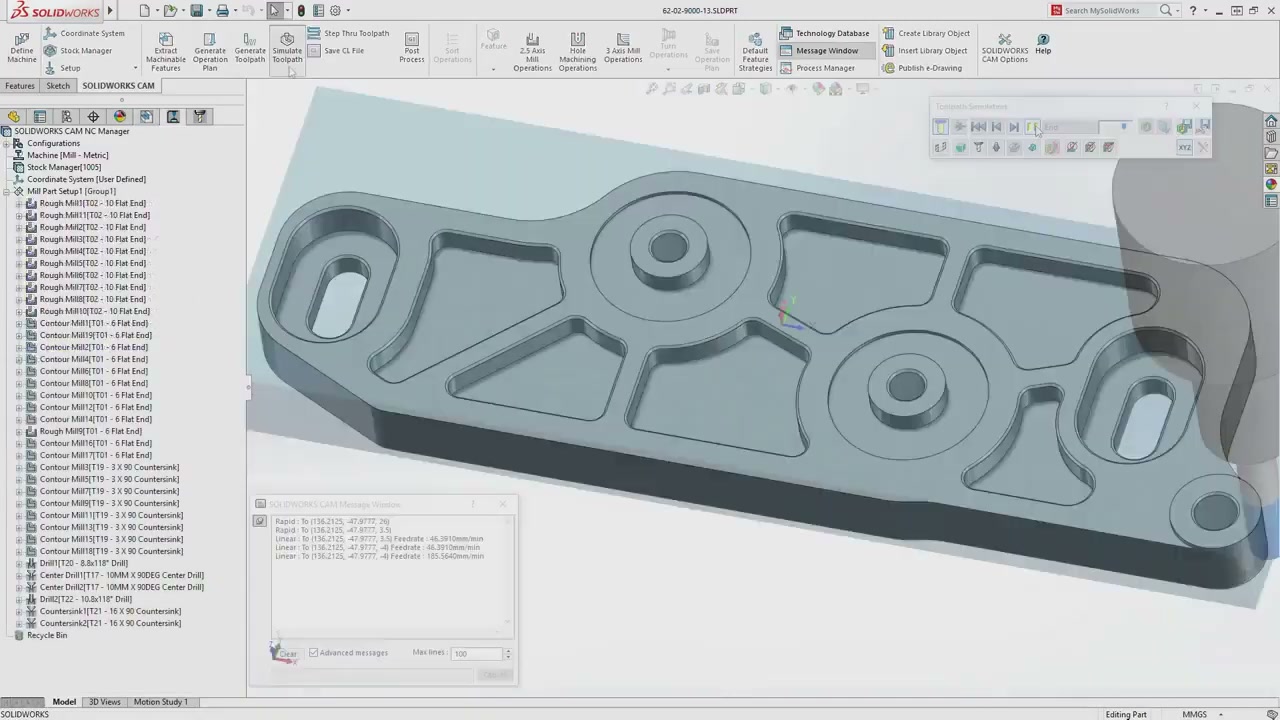
SOLIDWORKS CAM Packages
Standard is free with Subscription. Professional unlocks advanced machining operations for shops running multi-axis or turning work.
Full 2.5-axis milling inside SOLIDWORKS at no additional cost. Knowledge-based machining, automatic feature recognition, and fully associative toolpaths for shops on active Subscription.
- 2.5-axis milling operations
- Automatic machinable feature recognition
- Knowledge-based machining rules
- Associative toolpaths — updates with geometry changes
- Toolpath simulation with material removal
- NC output with post-processor support
- Included at no extra cost with active Subscription
Everything in Standard, plus multi-axis milling, turning, mill-turn, nesting, and high-speed machining toolpaths for shops with complex parts and tight cycle-time requirements.
- All CAM Standard capabilities
- 3-, 4-, and 5-axis milling
- Turning and mill-turn operations
- True shape nesting for material optimization
- High-speed machining (HSM) toolpaths
- Advanced NC Manager with 20+ operation types
- Probing cycles and machine simulation
What You Can Do with SOLIDWORKS CAM
Automatically identifies pockets, holes, bosses, and contours from your 3D model — no manual face selection required.
- Recognizes pockets, slots, holes, bosses, and contour features
- Highlights unrecognized geometry so nothing gets missed
- Feeds directly into the NC Manager operation tree
- Works on native SOLIDWORKS geometry and imported files
- Reduces setup time significantly on repeat or family-of-parts jobs
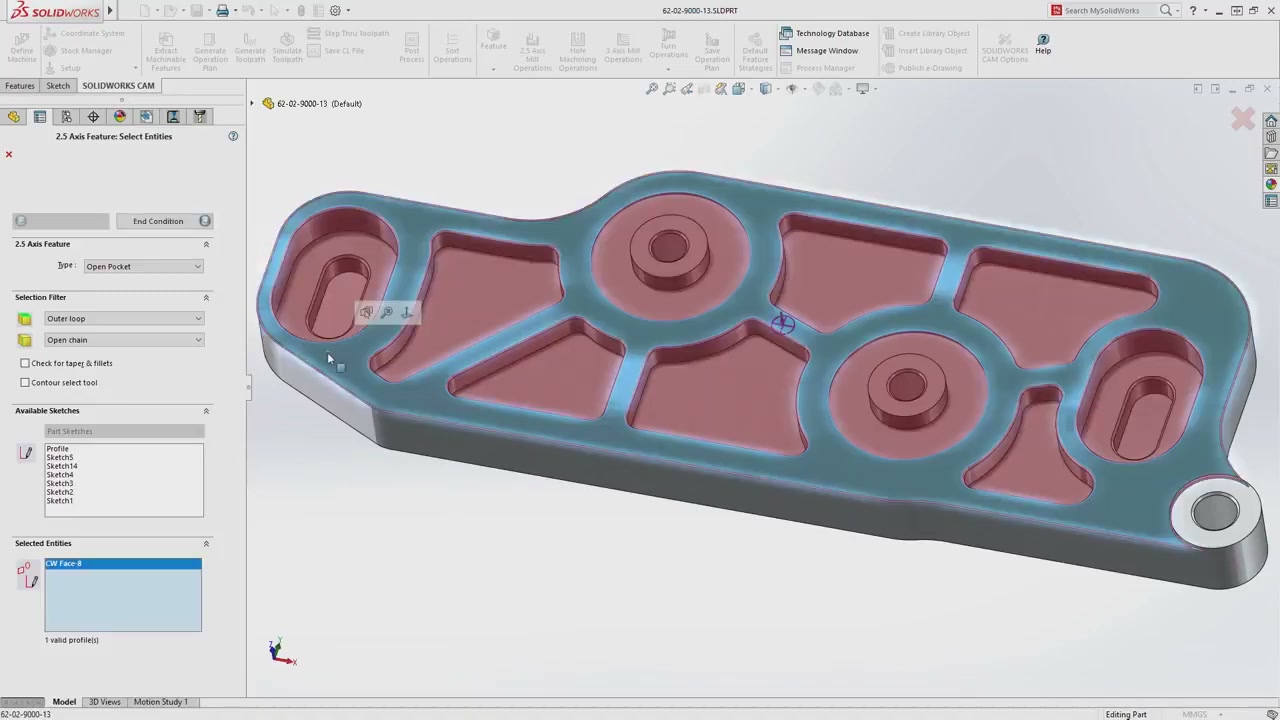
Define machining rules once — feeds, speeds, tool selection — and the system applies them automatically to every matching future part.
- Define machining rules per feature type, material, and machine
- Rules persist across jobs — program once, reuse everywhere
- New programmers produce consistent results from day one
- Captures senior machinist expertise before it walks out the door
- Reduces NC programming time by up to 40% on repeat parts
Toolpaths are linked directly to SOLIDWORKS geometry. When the design changes, regenerate — no manual NC reprogramming required.
- Toolpaths linked directly to SOLIDWORKS model features
- Geometry changes automatically propagate to NC operations
- Eliminates the manual re-programming loop on ECNs
- Works with configurations — machine multiple variants from one model
- Synchronizes with design revisions in PDM environments

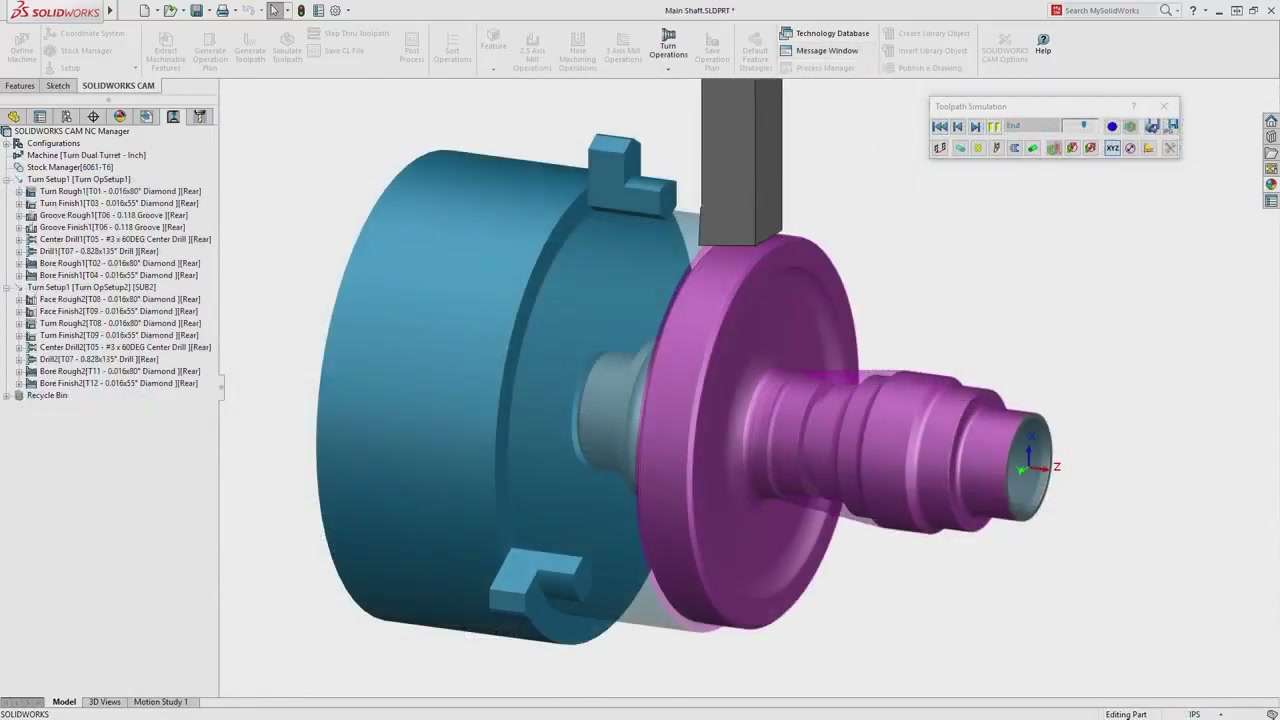
Adds multi-axis milling, turning, mill-turn, nesting, and high-speed machining for shops with complex parts or lathes.
- 3-, 4-, and 5-axis simultaneous milling
- Turning: roughing, finishing, grooving, threading, facing
- Mill-turn support for combined operations
- True shape nesting for plate and sheet stock
- High-speed machining (HSM) toolpaths for hard materials
- Probing cycles for in-process inspection
Post-Processor Configuration and CAM Setup
We configure post-processors for your specific machines so your G-code is correct for your shop floor on day one — not "close enough."
- Post-processor build and validation for your machine controllers
- Knowledge base setup with your shop's feeds, speeds, and tool libraries
- First-part walkthrough: model to machine with your team on a real part