SOLIDWORKS® Electrical
Purpose-built electrical design for electromechanical products. Schematics, 3D cable routing, and manufacturing reports — all synchronized with your mechanical model.
SOLIDWORKS Electrical
SOLIDWORKS Electrical is a dedicated electrical CAD environment that synchronizes live with your 3D mechanical assembly. Add a connector in the schematic and it appears in the model. Route a harness in 3D and the schematic updates. No export-import — real-time bidirectional sync. Includes IEC/ANSI libraries, 500,000+ manufacturer components, and automated BOM, wire list, and harness flat-pattern output.
 Morphos 3D is an authorized SOLIDWORKS reseller. We sell and implement SOLIDWORKS Electrical for manufacturing customers.
SOLIDWORKS Electrical Packages
Three tiers for different team structures — schematic-only, 3D routing only, or both combined in one seat.
Full schematic editor with IEC & ANSI symbols, 500K+ manufacturer parts, automated wire numbering, PLC I/O management, and one-click BOM and wire list reports. Standalone — no SOLIDWORKS seat required.
Get a QuoteEverything in Schematic plus 3D cable & harness routing, real-time bidirectional sync, auto-calculated cable lengths, and flattened harness drawings. Requires a SOLIDWORKS seat.
Get a Quote3D routing module for teams that already have a Schematic seat. Adds 3D cable & harness routing to SOLIDWORKS with real-time schematic synchronization.
Get a QuoteCompare All Features
| Capability | Schematic Standard | Electrical 3D | Electrical Professional |
|---|---|---|---|
| 2D Schematic Editor (IEC & ANSI) | ✓ | — | ✓ |
| Manufacturer Parts Library (500K+ components) | ✓ | — | ✓ |
| Automated Wire Numbering | ✓ | — | ✓ |
| Terminal Strip Design | ✓ | — | ✓ |
| PLC I/O Management | ✓ | — | ✓ |
| BOM, Wire List, Cable Schedule Reports | ✓ | — | ✓ |
| DWG/DXF Import (AutoCAD Electrical migration) | ✓ | — | ✓ |
| 3D Cable & Harness Routing (in SOLIDWORKS) | — | ✓ | ✓ |
| Real-Time Bidirectional Sync (Schematic ↔ 3D) | — | ✓ | ✓ |
| Auto-Calculate Cable Lengths | — | ✓ | ✓ |
| Clearance and Interference Checks | — | ✓ | ✓ |
| Flattened Harness Drawings for Manufacturing | — | ✓ | ✓ |
Note: SOLIDWORKS Electrical 3D requires a SOLIDWORKS seat. Talk to us about what your team needs.
Migrating from AutoCAD Electrical?
SOLIDWORKS Electrical supports DWG and DXF import from AutoCAD Electrical, including symbol mapping and wire attribute transfer. SOLIDWORKS provides migration tools to help map legacy symbols to the Electrical library. For EPLAN, DXF export can be imported as a starting point. We can advise on the cleanest migration path for your specific legacy tool and project history.
What You Can Do with SOLIDWORKS Electrical
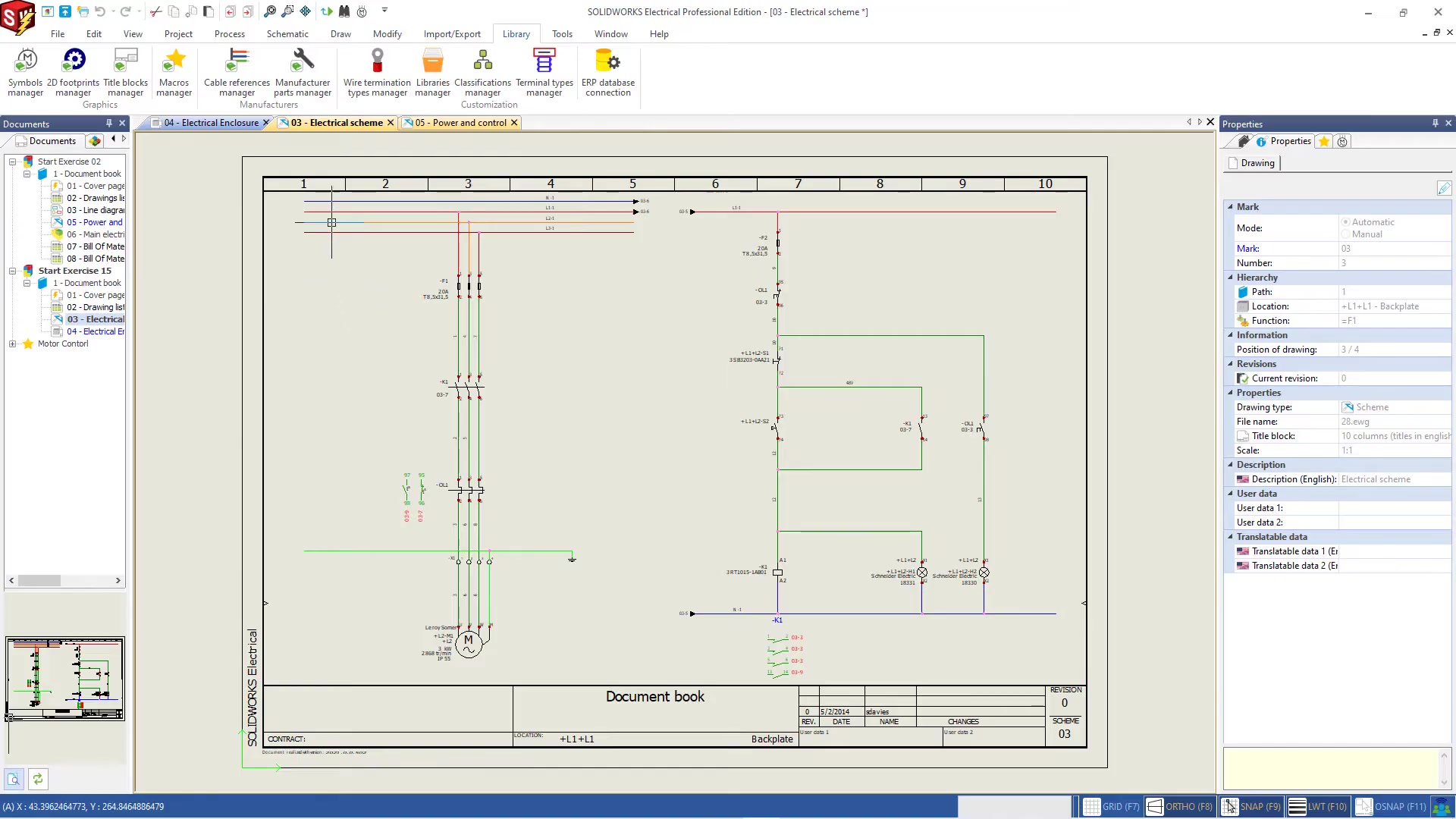
Most electrical engineers waste significant time on the busywork of schematic creation: manually numbering wires, writing reports by hand, hunting for component specs. SOLIDWORKS Electrical automates all of it. Draw your schematic from a library of IEC and ANSI-compliant symbols, pull real manufacturer components with actual electrical properties from the 500,000-part library, and let the software handle wire numbering, cross-references, and terminal strip generation automatically.
- IEC 60617 and ANSI Y32.2 symbol libraries included
- Manufacturer parts from Schneider, Siemens, Phoenix Contact, Molex, and more
- Automated wire numbering with user-defined formats
- Single-line and multi-line (ladder) diagram support
- PLC I/O rack configuration and address management
- Terminal strip design with plug/socket pairing
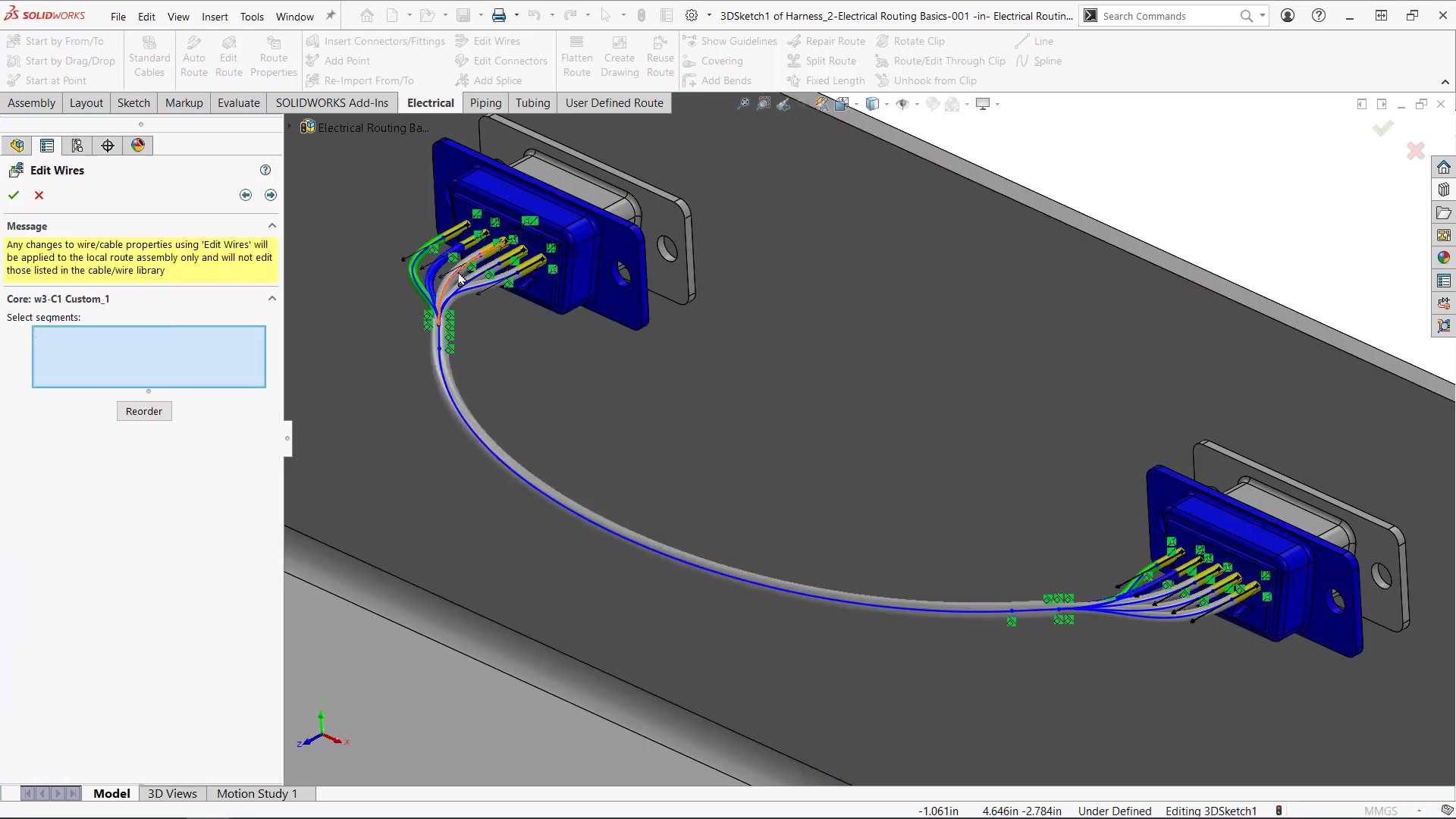
SOLIDWORKS Electrical 3D lets you route cables, wires, and harnesses directly inside the mechanical assembly — not in a separate tool, not by hand. The routing happens in context: you see the enclosure, the connectors, the brackets, and the clearance constraints as you work. The software auto-calculates cable lengths from the actual routed path, not a rough estimate from a schematic.
- Route cables, conduits, and harnesses in 3D mechanical context
- Auto-calculate cable lengths from the 3D routed path
- Clearance checks against mechanical components
- Flatten harnesses into manufacturing drawings with bend allowances
- Connector placement driven by schematic data
The version mismatch between electrical schematics and mechanical models is one of the most common sources of rework in electromechanical product development. The electrical team adds a connector; the mechanical team does not know. The mechanical team repositions a bracket; the cable routing is now wrong. SOLIDWORKS Electrical's bidirectional sync eliminates this. Changes in the schematic push into the 3D model. Changes in the 3D model update the schematic. Both teams are always looking at the same design.
- Add a component in the schematic → it appears in the 3D model
- Reroute a cable in 3D → the schematic updates
- Change a connector type → both views update simultaneously
- Conflict detection flags disconnects between schematic and model
- Project-level synchronization across multi-sheet schematics

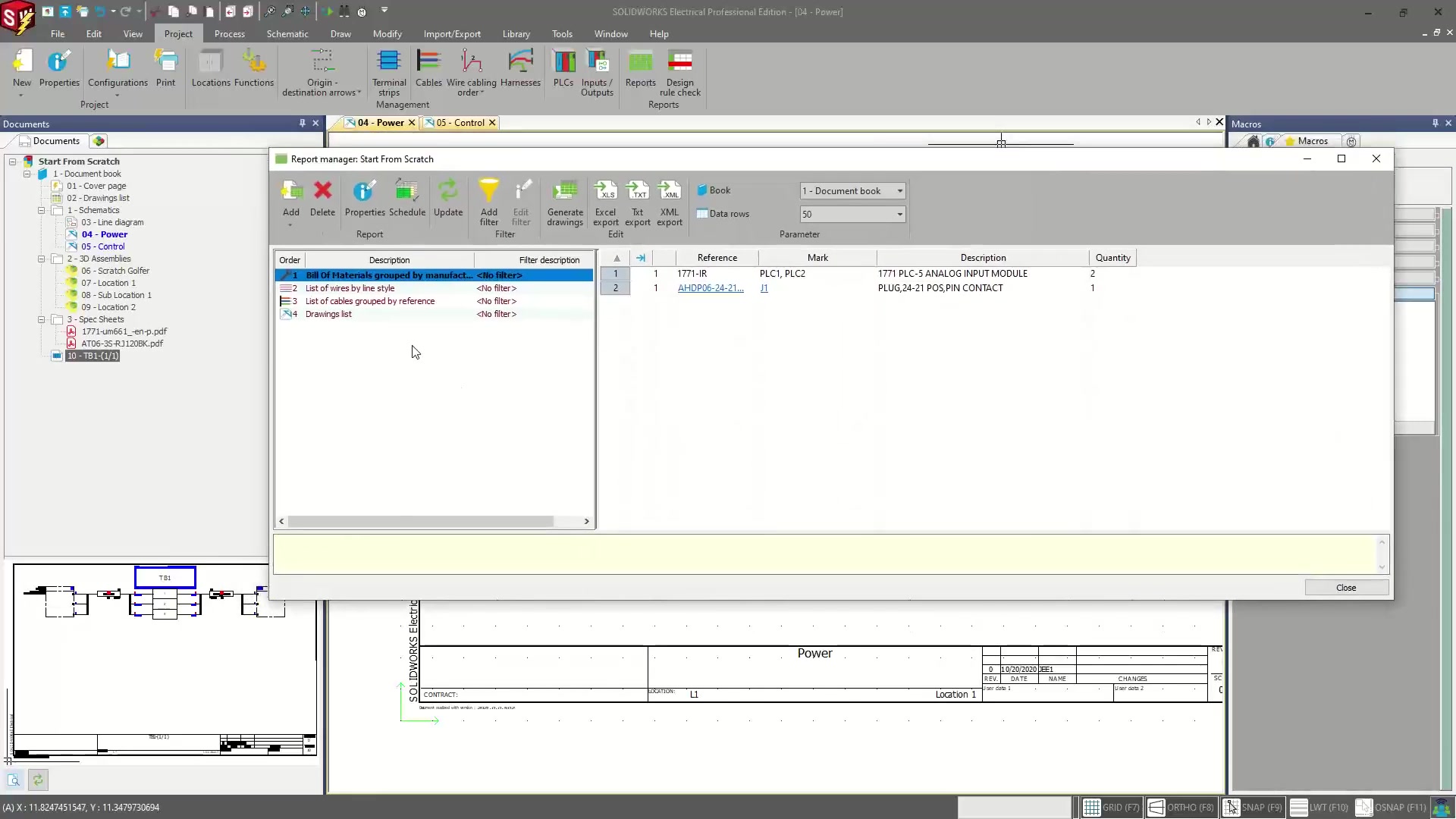
The value of a good schematic is in what you can generate from it. SOLIDWORKS Electrical's report engine produces BOM, wire lists, terminal strip drawings, cable schedules, and "from-to" connection tables directly from the schematic data. These are not manually assembled spreadsheets — they are generated automatically and they update when the schematic changes. Purchasing gets accurate parts lists. The panel builder gets a terminal layout. The wiring team gets connection tables. No manual transcription.
- Bill of materials with manufacturer part numbers and quantities
- Wire list with wire number, gauge, color, and from/to connections
- Terminal strip drawings with plug/socket pairing
- Cable schedule with routed lengths and connector assignments
- "From-to" connection reports for wire harness assembly
- Custom report templates to match your shop documentation standards