
SOLIDWORKS® Visualize
Visualize Standard is included with every SOLIDWORKS Subscription. Turn your 3D models into marketing-ready imagery, animations, and 360 views — no rendering expertise required.
SOLIDWORKS Visualize
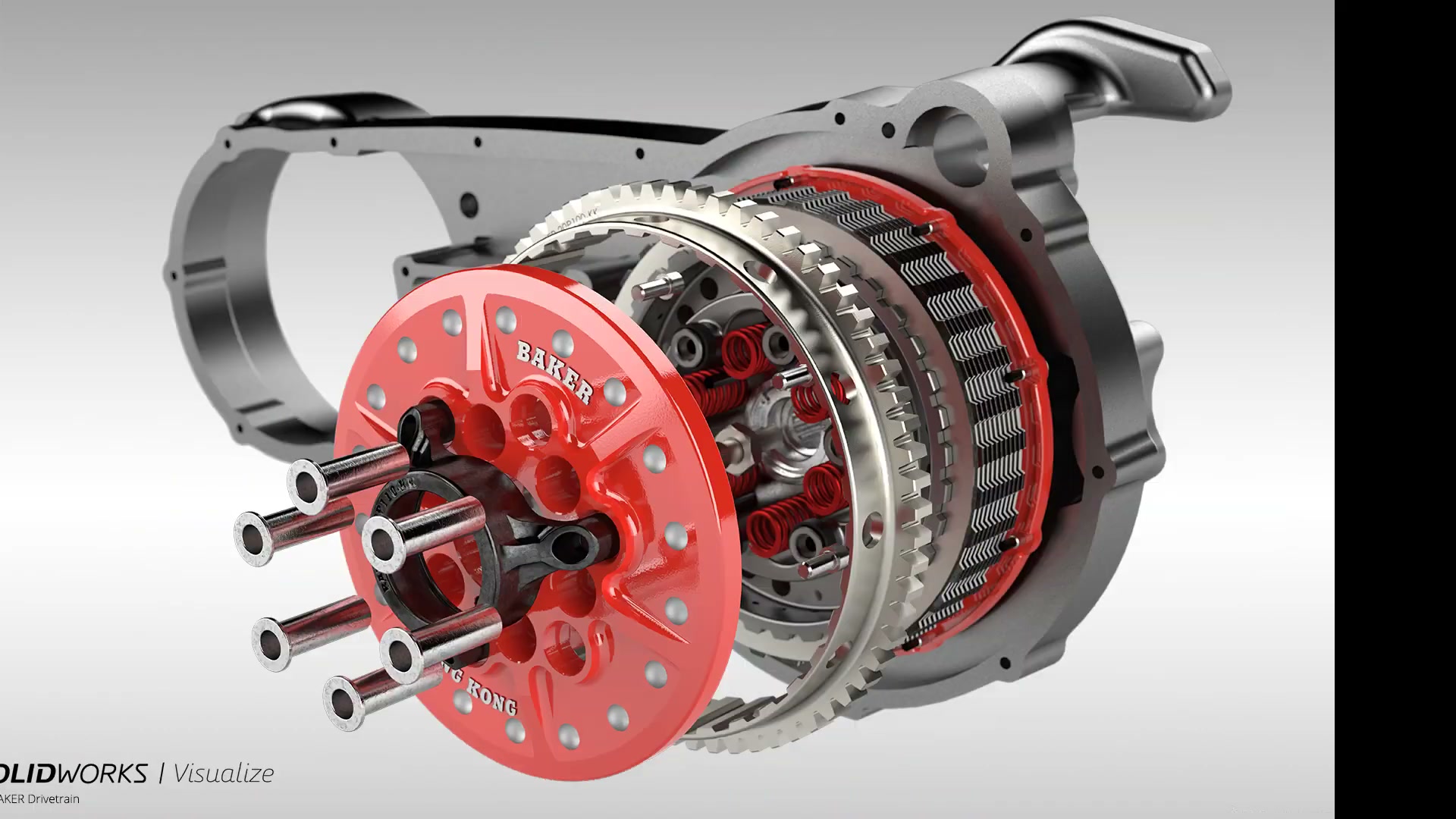
SOLIDWORKS Visualize is the fastest and easiest way to create photo-quality images, animations, 360-degree views, and interactive web content directly from your 3D CAD models. It is the "camera" for your CAD data — leveraging geometry you have already built to produce the kind of visuals that marketing, sales, and product launches need.
- Visualize Standard is included with every active SOLIDWORKS Professional and Premium Subscription — you may already own it without knowing it
- Drag-and-drop material application from a library of 100+ realistic appearances, no rendering expertise or specialized training required
- Physically based raytracing with AI denoising produces accurate, photorealistic output up to 10x faster than traditional rendering workflows
For teams that need more — network rendering, animations, 360 interactive outputs, VR content — Visualize Professional is available as a paid add-on. Both tiers integrate directly with the SOLIDWORKS design pipeline through live CAD update, so when your model changes, your renders update too.
 Morphos 3D is an authorized SOLIDWORKS reseller. We help you integrate Visualize into your existing design pipeline.
Visualize Standard vs. Professional
Standard is included with your SOLIDWORKS Subscription. Upgrade to Professional when you need animations, network rendering, and interactive outputs.
Included with SOLIDWORKS Professional and Premium on active Subscription. Verify your entitlement with us.
- Photorealistic still image rendering (GPU accelerated)
- 100+ drag-and-drop material appearances
- 35+ HDRI environment presets
- CAD live update — renders update when models change
Everything in Standard, plus full animation suite, network rendering, and interactive outputs.
- Full animation suite — exploded views, camera moves, opacity
- 360-degree interactive spins (browser-based output)
- Network rendering with Visualize Boost
- Configurations — render all colorways in one click
Compare Standard vs Professional
| Feature | Standard | Professional |
|---|---|---|
| Still images & screenshots | ✓ | ✓ |
| HDRI environments & appearances | ✓ | ✓ |
| Basic scene setup & camera controls | ✓ | ✓ |
| Animations & turntables | — | ✓ |
| 360° interactive views | — | ✓ |
| Network rendering | — | ✓ |
| VR output | — | ✓ |
| Bloom, depth of field, caustics | — | ✓ |
System Requirements
Visualize runs on a wide range of hardware. A dedicated GPU (NVIDIA recommended) significantly improves render speed. Fast Render mode supports entry-level laptops without dedicated GPU hardware. GPU and CPU can be combined simultaneously in Hybrid mode. If SOLIDWORKS already runs on your workstation, Visualize will run on the same hardware.
Available on Device Term License (machine-locked, 3-month or 1-year) or Single-User Subscription (person-tied, any device). Contact us to discuss which fits your shop.
What You Can Do with SOLIDWORKS Visualize
Drop your CAD model into one of 35+ photographic HDRI environments — studio, outdoor, industrial, architectural — and watch it instantly take on realistic lighting and reflections. No manual light placement needed. The environment panel lets you scroll, preview, and swap backgrounds in seconds.
- 35+ HDRI environment thumbnails with instant preview
- Area lights and IES light profiles for controlled scenes
- Interactive light placement with single-click positioning
- Depth of field with physical camera controls (F-Stop, Aperture)
- Photographic camera filters for exposure and color balance

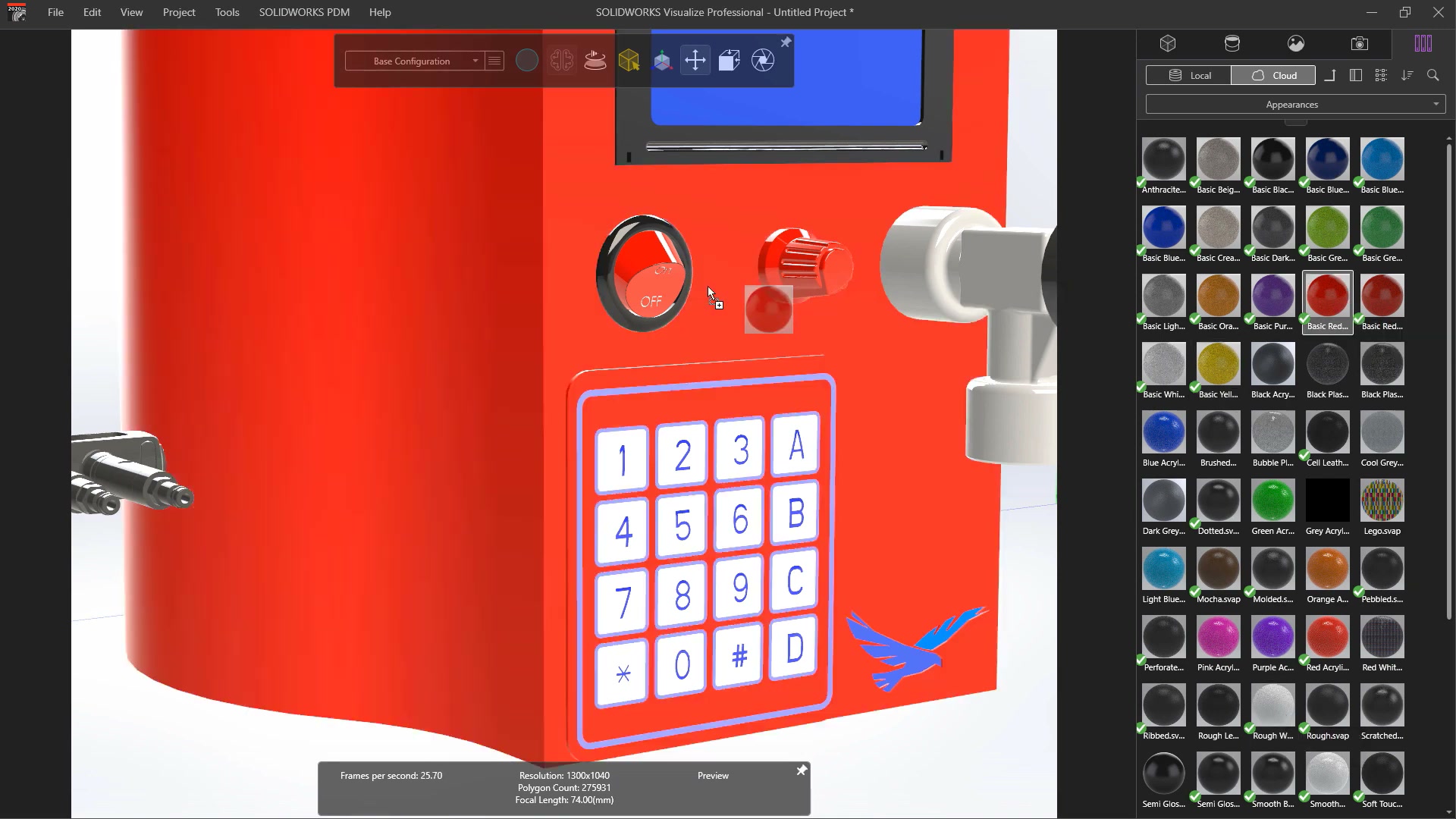
The material library contains over 100 physically based appearances — metals, plastics, rubber, fabric, glass, and more. Drag a material onto a part or surface, and the renderer updates in real time. No node graphs, no shader programming. The interface is designed for engineers and designers, not rendering specialists.
- 100+ photorealistic appearance swatches out of the box
- Support for NVIDIA MDL and PBR material types
- Surface and part splitter — apply different materials per face without returning to CAD
- Decals for logos, labels, and graphics with multiple mapping modes
- CAD live update remembers material changes when the model updates
Integrating Visualize into Your Design Pipeline
Many SOLIDWORKS users have Visualize Standard included in their subscription but have never set it up. Morphos helps you go from entitlement to working renders in a single session — and then helps you build a repeatable workflow your team can use without ongoing support.
- Entitlement check: Verify your Standard entitlement and activate it.
- Pipeline setup: Configure one-click workflow from model to render.
- Material library curation: Import appearances relevant to your product lines.
- Template scenes: Build branded scene templates for consistent renders.
- Professional upgrade assessment: Evaluate whether Professional adds ROI for your use cases.